Open-source product analytics
Track what people do on your website, in your apps, and on your servers. Pug shows it as trends, funnels, retention, and user flows, with one profile per person. It runs without cookies until a visitor consents.
 Bangkok, Thailand

 Bengaluru, India
Six insight types. Filter and break down any of them by any property you send.
Nothing has to be set up in advance: pick the events and a date range, and the chart covers everything already stored.
Trends.
Any event over time, as a count, unique users, or the sum, average, min, or max of a number. Break down by up to five properties.
Funnels.
Conversion through ordered steps, with the drop-off and the average time between each.
Retention.
Of the people who did a start event, how many did a return event in each period after, by cohort.
User flow.
A Sankey of the paths people take from one event to the next, and where they leave.
Segmentation.
One number, such as signups or revenue, split by a property like country or plan. Made for KPI tiles.
Top K.
The most common values of any property, such as pages, referrers, or products, with the rest as “others”.
One profile per person. Their devices merge into it when they sign in.
A profile shows one person’s events, sessions, and traits, with their latest location, device, and browser.
- Before sign-in, events collect under an anonymous ID
- identify() at sign-in merges that history into their profile
- The same user ID on web, Android, and server is one person
- Traits such as plan or email filter every insight
Daisy Pugsleyuser-05299 ChromeMac OS X
 Mobile SafariiOS
 d4c8nq2ttkc7391f9a0gMobile SafariiOS23
 Milo Droolittleuser-06652ChromeWindows401Mobile Safari on iOS
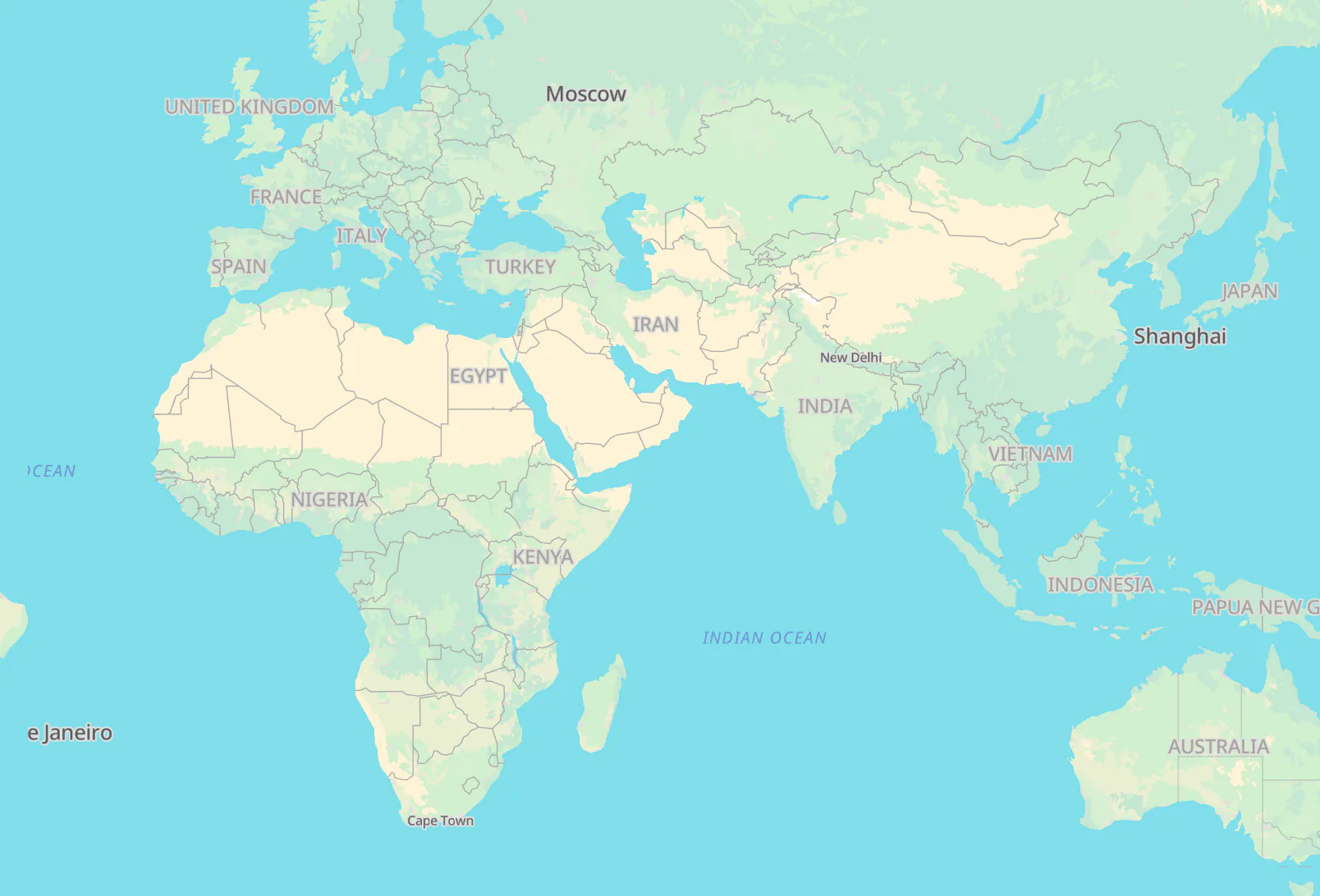
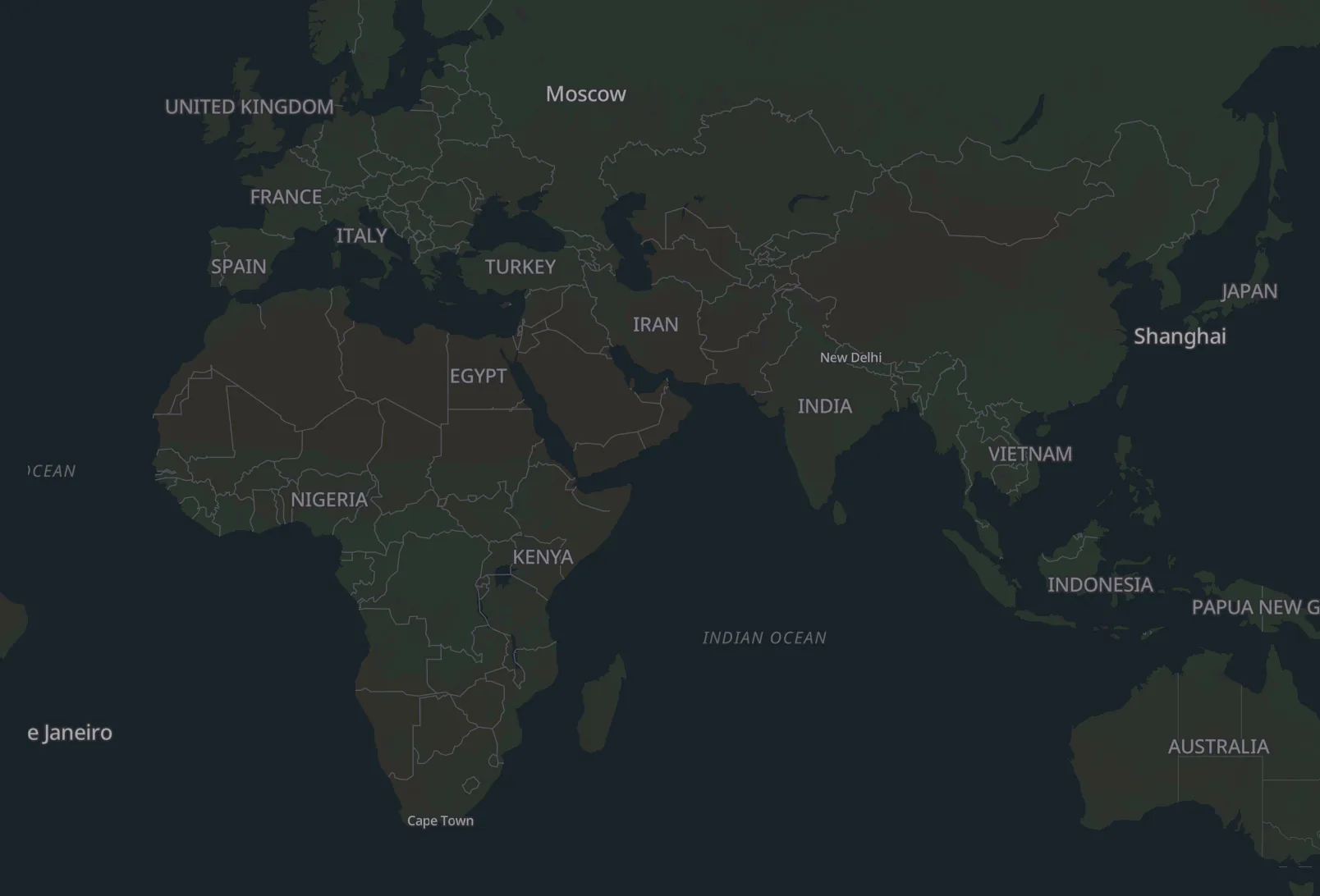
Watch events arrive. Each one reaches the map in seconds.
Filter the stream by event, device, or country, and click a visitor to see their session and open their profile.
- Check that a new event fires, seconds after you deploy it
- Watch a launch: how many people, from where, on which pages
- Filter to one event and see the first people use a new feature






 Singapore, Central·SingaporeMobile Safari 17.4
 iOS 17.4iPhone
- checkout_startedUSD 7200:17:42
- page_view/checkout00:17:39
- cart_viewedUSD 7200:15:12
 Stockholm·SwedenChrome 124
 macOS 14.4
- page_view/00:17:30
Pin insights to a dashboard. Every tile shares the board’s date range.
Each tile keeps its own chart and filters, so one board can hold daily signups, a checkout funnel, and top pages side by side.
- KPI, line, area, bar, table, and Sankey tiles
- A filter bar that narrows every tile at once
- A comparison with the previous period on any tile
- Thresholds that color a KPI when it crosses a limit
- A public, read-only link to share the board
Query Pug from an AI agent. The MCP server’s twelve tools can only read.
Connect Claude Code, Codex, Cursor, or any other MCP client with a private key. Ask how signups moved last week, or what one customer did before they churned, and the agent runs the insight or pulls the profile.
- One project per key, with no way to reach another
- No tool for erasing data or sending events
- The same API, permissions, and defaults as the dashboard
Nothing is stored on the device until a visitor consents. Pug Cloud runs in the EU.
Cookieless by default
Until a visitor consents, they are counted with a server-side hash instead of a cookie. Its salt is deleted every day, not rotated, so today’s visitors can’t be linked to yesterday’s.
Consent from your banner
Wire your banner to three states: granted, cookieless, or denied. Events from before consent stay anonymous, and nothing links them to the person later.
Erasure that hard-deletes
One API call erases a person by profile ID or by your own user ID. Their events, sessions, aliases, and profile are hard-deleted from ClickHouse and Postgres, and a request ID tells you when it’s done.
Start tracking in two lines. Autocapture does the rest.
Call track() for the events specific to your product, and identify() when someone signs in.
Captured automaticallyfrom init() on
On a servernothing is captured on its own
01Install
npm install @pug-sh/browser import { init, identify, track } from '@pug-sh/browser'
init('your-project-id', { apiKey: 'pub_your_key' })identify('user_123', { email: 'ada@example.com' })
track('signup', { plan: 'pro' })Captured automaticallyfrom init() on
- page_vieweach page load and route change
- clickthe element, its text, and selector
- scrollhow far down the page, in percent
- form_submiteach submit, after a form_start
- rage_clickfour fast clicks in one spot
- dead_clicka click that changed nothing
Each one arrives with its location (country, region, city), device, browser, and any UTM parameters.
01Installin build.gradle.kts
implementation("sh.pug:android:0.1.0") import sh.pug.android.Options
import sh.pug.android.Pug
Pug.init(this, "your-project-id", Options("pub_your_key"))Pug.identify("user_123", mapOf("plan" to "pro"))
Pug.track.purchase(amount = 49.0, currency = "USD")Captured automaticallyfrom init() on
- app_openthe app comes to the foreground
- app_closethe app leaves the foreground
- screen_vieweach activity shown, named by its class
- app_installthe first launch, with the store it came from
- app_updatethe first launch of a new version
Each one arrives with its location, device model, Android version, app version, locale, and time zone.
01Install
flutter pub add pug_flutter import 'package:pug_flutter/pug_flutter.dart';
await Pug.init('your-project-id', const PugOptions(apiKey: 'pub_your_key'));await Pug.identify('user_123', traits: {'plan': 'pro'});
Pug.track.signup(extras: {'plan': 'pro'});Captured automaticallyfrom init() on
- app_openthe app comes to the foreground
- app_closethe app goes to the background
- screen_vieweach route change, once PugRouteObserver is added
- app_installthe first launch on a device
- app_updatethe first launch of a new version
Each one arrives with its location, device model, OS version, app version, locale, and network type.
01Install
npm install @pug-sh/node import { Pug } from '@pug-sh/node'
const pug = new Pug({ apiKey: process.env.PUG_PRIVATE_KEY })pug.track('user_123', 'order_completed', { amount: 49.0 })
await pug.identify('user_123', { email: 'ada@example.com' })On a servernothing is captured on its own
- Each event is a track() call that names the user
- Events carry no location, since the request comes from your server, not the visitor
- Closing the client on shutdown sends whatever is still queued
01Install
go get github.com/pug-sh/sdk-go import pug "github.com/pug-sh/sdk-go"
client, err := pug.New(pug.Options{APIKey: os.Getenv("PUG_PRIVATE_KEY")})
if err != nil {
log.Fatal(err)
}defer client.Close(ctx)
client.Track("user_123", "signup", pug.String("plan", "pro"))
client.Identify("user_123", pug.Email("ada@example.com"))On a servernothing is captured on its own
- Each event is a track() call that names the user
- Events carry no location, since the request comes from your server, not the visitor
- Closing the client on shutdown sends whatever is still queued
01Install
bundle add pug-sh require "pug"
pug = Pug::Client.new(api_key: ENV.fetch("PUG_PRIVATE_KEY"))pug.track("user_123", "order_completed", amount: 49.0)
pug.identify("user_123", email: "ada@example.com", plan: "pro")On a servernothing is captured on its own
- Each event is a track() call that names the user
- Events carry no location, since the request comes from your server, not the visitor
- Closing the client on shutdown sends whatever is still queued
Run it on your servers, or use ours. Pug Cloud runs the same open-source code.
- SDKs track() and identify()
- Dashboard Static files on any web server
pugOne Go binary
pug server:3000pug worker eventsscales outpug worker profileidentify, alias, upsertpug worker complianceerasurepug worker emailsign-in links
- Dragonflyor Redis 7+ The daily salt, kept off disk
- NATSJetStream Queues every event
- ClickHouse Every event
- PostgreSQL15+ Accounts, boards, and profiles
- Self-hosting docs
Run it as one process or many.
pug startruns the server and every worker in one process, on a small node. In production, each role is its own image, for amd64 and arm64. - Connect your SDKs
Point the SDKs at your server.
Set
endpointto its URL in any of the six SDKs. Leave it out, and events go to Pug Cloud. - How SSO works
Use SSO on your servers and on Pug Cloud.
Okta, Entra ID, and Google Workspace sign-in work on both, with no SSO tax.
Priced by events alone. Every feature is on every plan, including the free one.
Pug Cloud
$0up to 100k events a month
Past that, $1 a month plus usage, at per-event rates that fall as you grow.
Start free- 5 years of history (1 year while free)
- SSO with Okta, Entra ID, or Google Workspace
- No per-seat or per-project fees
- No credit card to start
- Email support
Pay as you go
$37.00a month
| Tier | Per 1M | Events | Cost |
|---|---|---|---|
| First 100k | Free | 100,000 | $0.00 |
| 100k to 2M | $40 | 900,000 | $36.00 |
| 2M to 15M | $23 | ||
| 15M to 50M | $15 | ||
| 50M to 100M | $14 | ||
| 100M to 250M | $10 | ||
| Over 250M | $7 | ||
| Base fee | $1.00 |
Self-hosted.
Free forever under AGPL-3.0. The whole stack runs on your servers, with no event limit beyond your hardware and support on GitHub and Discord.
Custom.
For very high volume, longer history, or an annual contract, we set up a plan with its own rates and allowance.
Send your first event.
Create a project, add the snippet, and watch the Live view fill up. Or open the demo first: the real dashboard on a sample pet shop, with no sign-up.
Questions? Email hello@pug.sh